


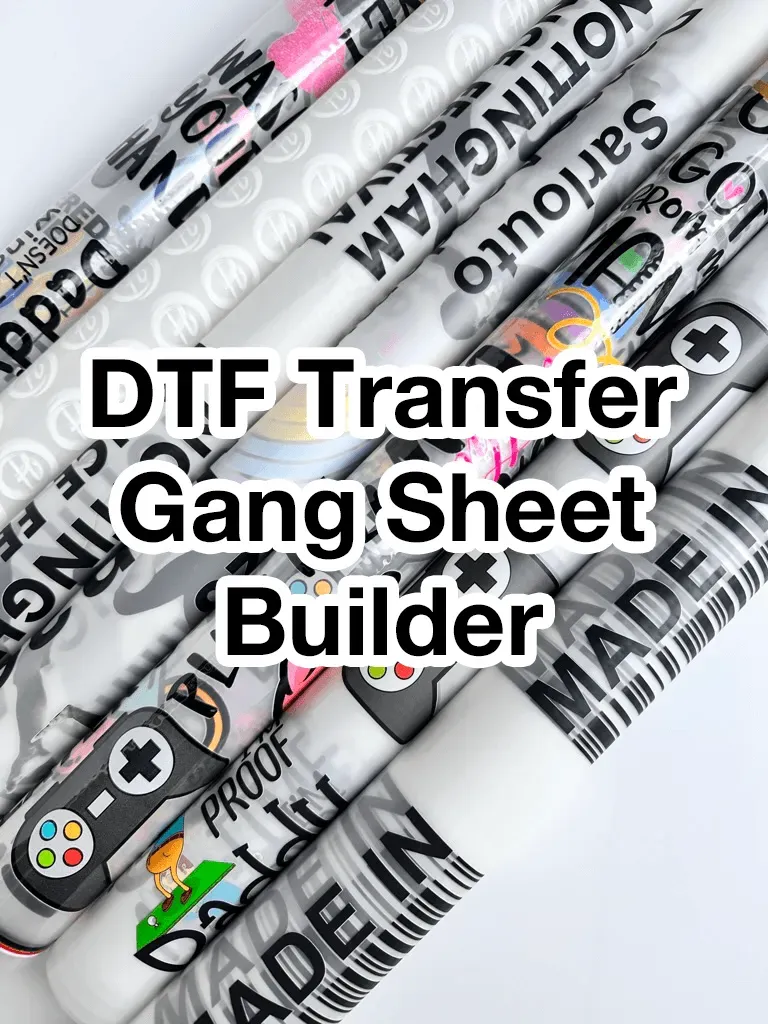
DTF Gangsheet Builder makes it easy for beginners to plan and print multiple designs on a single sheet, streamlining your workflow from concept to production. This practical guide doubles as a DTF gangsheet tutorial to help you save time, reduce waste, and maintain color consistency across every tile. If you are new to DTF printing, you’ll learn the essentials of design placement, margins, bleeds, and alignment so your first run goes smoothly. A clear workflow walks you through choosing the right page size, configuring your printer profile, and exporting a print-ready file that your device can handle without guesswork. With templates, checklists, and best-practice tips, you’ll move from initial sketches to a reliable gangsheet library that scales as your skills grow.
Beyond the brand name, this workflow can be described as a direct-to-film sheet planner that groups multiple designs onto one transfer. In practice, it means grid-based design placement, consistent margins, and predictable color outcomes that speed production. Other ways to describe it include a multi-design layout tool, batch sheet creator, or a print-ready matrix that keeps production repeatable. Whether you call it a gangsheet system or a tile-grid method, the goal remains the same: minimize waste, save time, and scale your options.
DTF Gangsheet Builder Essentials for Beginners: Setup, Design, and First Run
If you are new to DTF printing, a gangsheet is a single printable file that packs multiple designs into one run. The DTF Gangsheet Builder helps beginners set up quickly and execute a first run with confidence. This overview shows how the tool speeds up preparation, clarifies margins, and reduces guesswork so your first project gets off to a solid start.
Using the DTF Gangsheet Builder, you place designs in a grid, apply uniform margins and bleeds, and export a print-ready file that your DTF printer can handle in one pass. For beginners, this means fewer manual tweaks per design and a lower risk of misalignment or wasted media. This approach aligns with a practical DTF setup guide and supports efficient, repeatable first runs.
Why Gangsheet Layout Matters for DTF Printing for Beginners
A well-planned gangsheet layout matters because it maximizes material efficiency, minimizes waste, and helps maintain color consistency across all tiles. When you’re learning DTF printing for beginners, the layout decisions—tile size, margins, bleed, and spacing—set the foundation for a successful transfer.
With a builder, you can test different layouts without rewriting each print. This practical approach teaches alignment and color management, and creates a repeatable workflow that underpins how to create gang sheets. The result is a dependable catalog of designs that can be produced faster and with fewer surprises.
Starting with an Easy DTF Setup: A Practical DTF Setup Guide
An easy setup is the foundation of a smooth first run. The DTF gangsheet builder guides you through creating a new sheet, selecting print size, and configuring your printer profile. Prepare your design files in advance, ensure color spaces are correct, and decide on the number of tiles per sheet to set expectations for the run.
In this phase you will configure margins, bleed, and spacing to prevent crowding or overlap on the final transfer. This aligns with a beginner-friendly DTF printing workflow and reinforces the basics of a DTF setup guide.
Step-by-Step from Install to Export: A DTF Gangsheet Tutorial
1) Install or launch the builder. Make sure your printer driver and firmware are up to date. 2) Create a new gangsheet and set the page dimensions to match your media. 3) Import designs and place them on the grid with consistent margins.
4) Manage color and resolution, select a reliable color profile, and enable any print quality settings that suit your substrate. 5) Save templates for future runs. 6) Export the completed gangsheet in the file format required by your workflow, such as PNG or TIFF. This step-by-step path provides a practical DTF gangsheet tutorial for beginners.
First Run Best Practices and Troubleshooting for Beginners
Your first run is a learning experience. Print a small section of the gangsheet to verify that everything lines up correctly. Check each tile for alignment with the grid, verify color accuracy, and confirm the transfer film adheres properly to your substrate. If something looks off, pause the full run, adjust margins, calibrate the printer, and reprint the test sheet.
For beginners, using a simple, low-stakes project is a smart way to build confidence. Remember that you are not just printing single designs but testing how the whole gangsheet layout performs in real conditions. This guidance reflects the core ideas of a DTF printing for beginners workflow and ties back to the practical DTF setup and gangsheet testing nuances.
Advanced Tips for Efficient, Scalable Gang Sheets
As you gain experience, you can automate repetitive steps and create multiple templates for different products. Use batch processing to generate variations from a single design set, link designs to a product catalog, and maintain consistent tile sizes across all future runs. These practices help you scale up production while preserving the beginner-friendly nature of the process.
In addition, a robust workflow supports ongoing DTF printing for beginners and allows you to build a reliable library of gang sheets that can be re-used for future campaigns. Organized assets, clear naming conventions, and a centralized template library are essential to sustaining a fast, accurate output as you learn how to create gang sheets efficiently.
Frequently Asked Questions
What is the DTF gangsheet builder and why is it helpful for beginners?
The DTF gangsheet builder is a tool that arranges multiple designs on a single sheet for direct-to-film printing. It speeds up setup, helps maintain alignment, and provides a repeatable workflow, which is especially helpful for DTF printing for beginners.
How to create gang sheets with the DTF gangsheet builder?
Install or launch the builder, create a new gangsheet, and set the page size. Import designs and place them on a grid with consistent margins, manage color and resolution with a reliable color profile, save templates for future runs, and export the final sheet as PNG or TIFF.
What does a DTF setup guide look like when using the gangsheet builder?
A DTF setup guide for the gangsheet builder covers selecting a printer profile, configuring media and margins/bleed, choosing a color space, running a test print, and verifying alignment before production.
How can a DTF printing for beginners approach optimize material use and color consistency when creating gang sheets?
By locking in fixed tile sizes and margins, using a consistent color profile, and calibrating the printer, you reduce waste and color shifts. Save templates for repeat runs to support ongoing DTF printing for beginners.
What are common issues and fixes when using how to create gang sheets with the DTF gangsheet builder?
Common problems include misalignment, color bleed, and banding. Fixes include confirming the grid origin, using the correct color profile, ensuring proper curing temperature, and running small test sheets to confirm margins and spacing.
What are advanced tips for efficiency in the DTF gangsheet tutorial workflow?
As you gain experience, automate repetitive steps, create multiple templates, batch process variations, and maintain a centralized library of gang sheets. This aligns with a DTF gangsheet tutorial approach and supports scalable production.
| Topic | Key Points |
|---|---|
| What is a DTF Gangsheet Builder? | A utility that arranges multiple designs on a single sheet for direct-to-film printing, saving time by grid placement, applying uniform margins/bleeds, and exporting a print-ready file. |
| Why beginners should use a gangsheet approach | Provides a gentle ramp into production, helps learn alignment/color management/heat timing in a repeatable workflow, enables testing different tile sizes/margins/layouts without redoing each print, produces a consistent, faster, less-waste catalog. |
| Starting with an easy setup | Create a new sheet, choose print size, configure printer profile; prepare designs, ensure correct color spaces, decide tiles per sheet; configure margins, bleed, and spacing to avoid crowding; review the beginner-friendly workflow basics. |
| Step by step from install to export | 1) Install/launch; 2) Create new gangsheet and set page size; 3) Import designs and place on grid with consistent margins; 4) Manage color/resolution and select a color profile; 5) Save templates; 6) Export final gangsheet (PNG/TIFF) per workflow. |
| First run tips for a successful start | Print a small section to verify alignment/color; check each tile; ensure transfer film adheres to substrate; pause and reprint if misalignments or color issues occur; use simple low-stakes projects to build confidence. |
| Common issues and practical fixes | Misalignment from bed/roller issues; verify grid origin; fix color bleed with proper color profile and longer cure time; address banding/ghosting with higher resolution or compatible media; document steps and recheck gangsheet capacity/origin. |
| Advanced tips to boost efficiency | Automate repetitive steps, create multiple templates, use batch processing for variations, link designs to a catalog, maintain consistent tile sizes, keep a centralized library of templates. |
| Design considerations for the gangsheet | Choose tile sizes aligned with common garments, respect printable area and substrate, include proper bleed/safe zones to prevent trimming, plan layout to minimize waste and reduce first-run anxiety. |
| Practical workflow examples for beginners | Examples include a 12-design grid on one sheet or a fixed-tile catalog with multiple layouts; the builder adjusts spacing/margins automatically to maintain consistency. |
| Troubleshooting and FAQs | Check file format, color profile, printer consistency; verify media type and curing temp; recheck alignment grid; common questions cover tile size, export, and template saving. |
| Conclusion | A concise wrap-up of the guide emphasizing that using a DTF gangsheet builder enables beginners to move from concept to print smoothly, with scalable templates and a repeatable workflow to grow confidence and production efficiency. |